All tutorials
Ring up a sale · Getting started
Selling with BizzOptima
Beginner1:14Interactive demo: click inside the animation
0:00 / 0:00
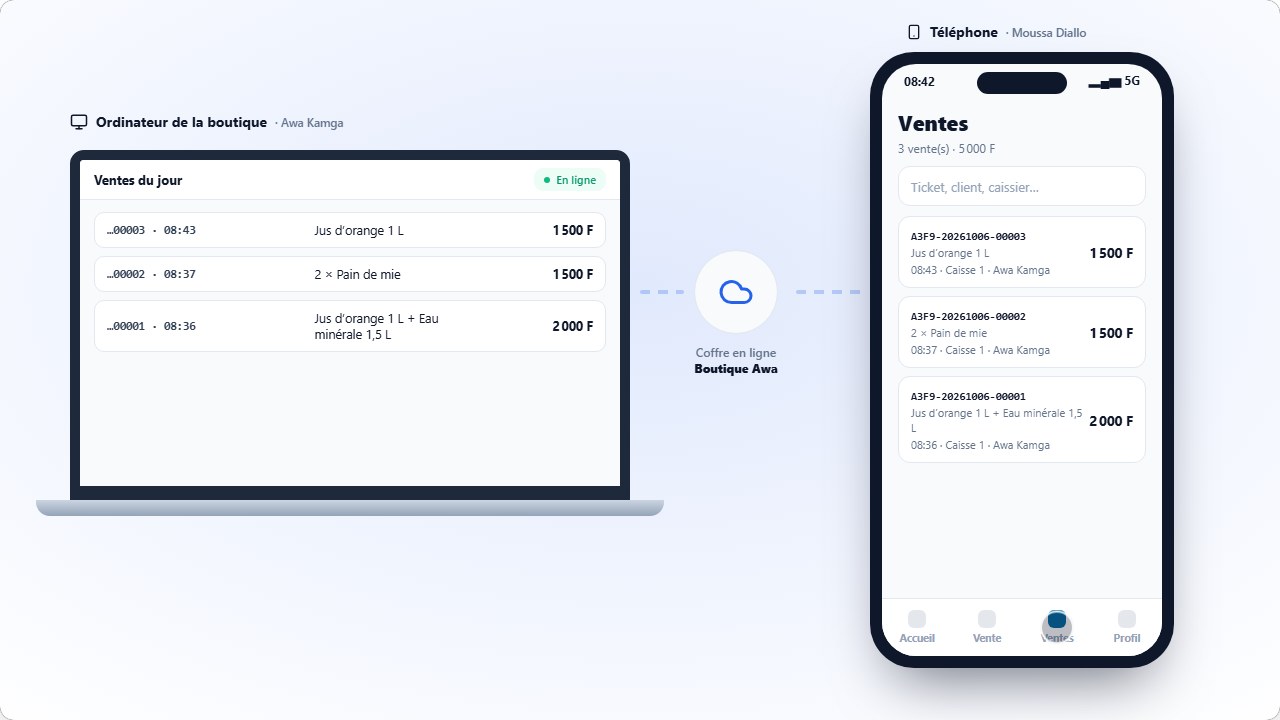
From installing the modules to a printed receipt: create a category and a product, set up a location, bring in your stock and ring up your first sale with the Quick register — even offline.
Steps
- 1
Install the Products, Stock, and Quick Checkout modules
- 2
Create a category
- 3
Add a product to that category
- 4
Create a location in Stock
- 5
Put the stock in that location
- 6
Ring up the sale in Quick Checkout