All tutorials
Getting started · Getting started
Get started and sync BizzOptima
Beginner1:47Interactive demo: click inside the animation
0:00 / 0:00
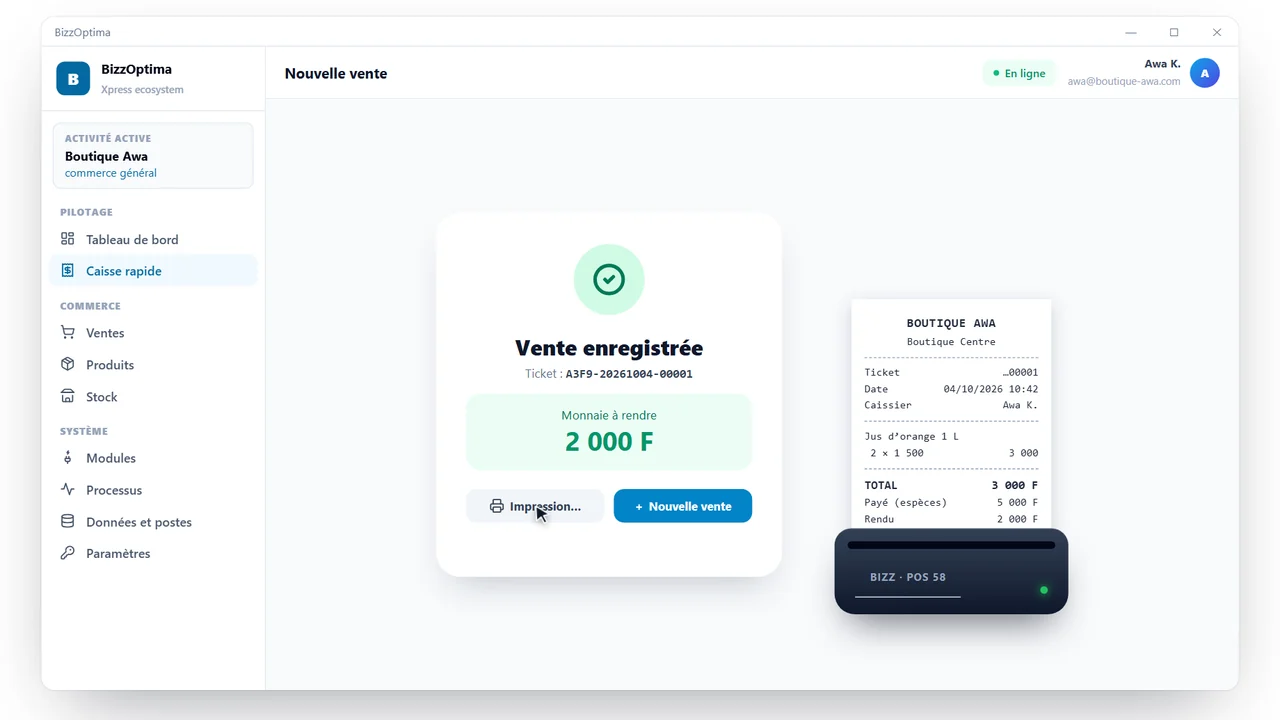
Open the app, sign in, create the vault — your business database —, open your profile session, record sales, then find them automatically on another device.
Steps
- 1
Open BizzOptima from the desktop icon
- 2
Sign in with your business account
- 3
Create a vault (your business database) with a password, linked to your account
- 4
Write down the twelve-word recovery phrase
- 5
Open your profile session (created by the administrator at bizzoptima.com/portal › Users & devices)
- 6
Describe your business: name, country, profile and modules
- 7
Check sync in Data and users › Sync
- 8
Record your sales: they go online within seconds
- 9
On another device, sign in to the same account, choose the vault and open your session